|TUTORIAL| Face Rigging in Blender
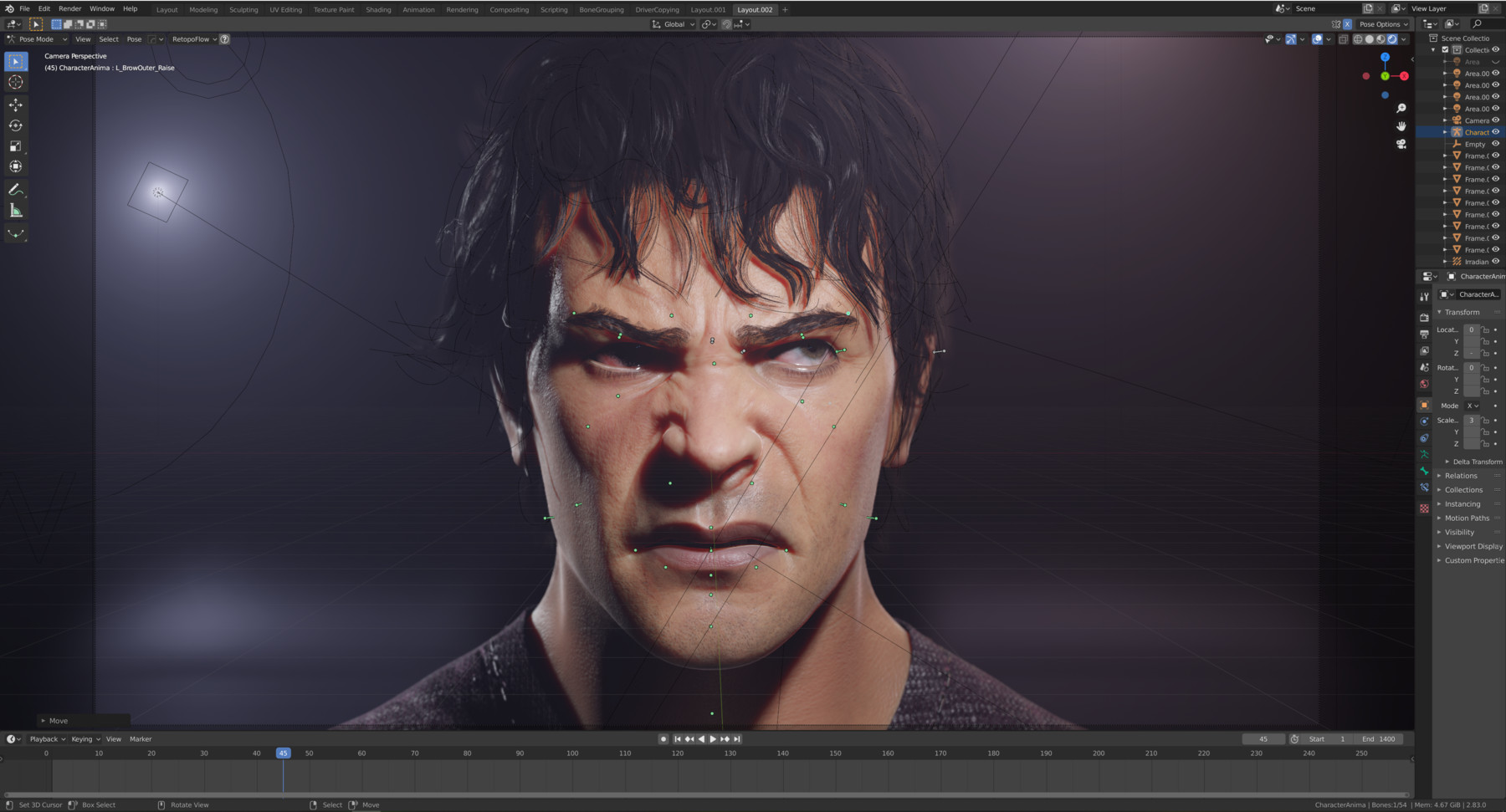
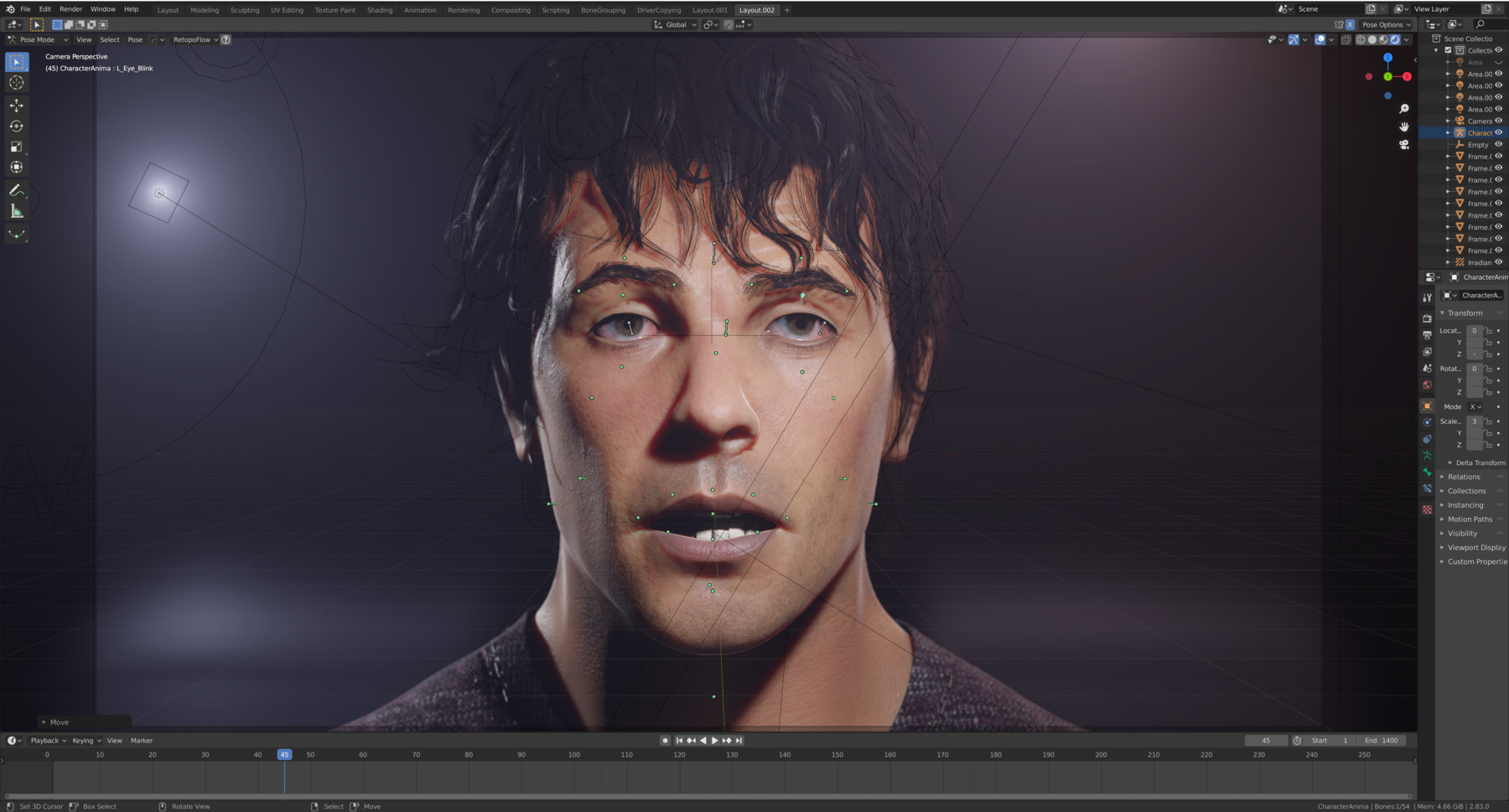
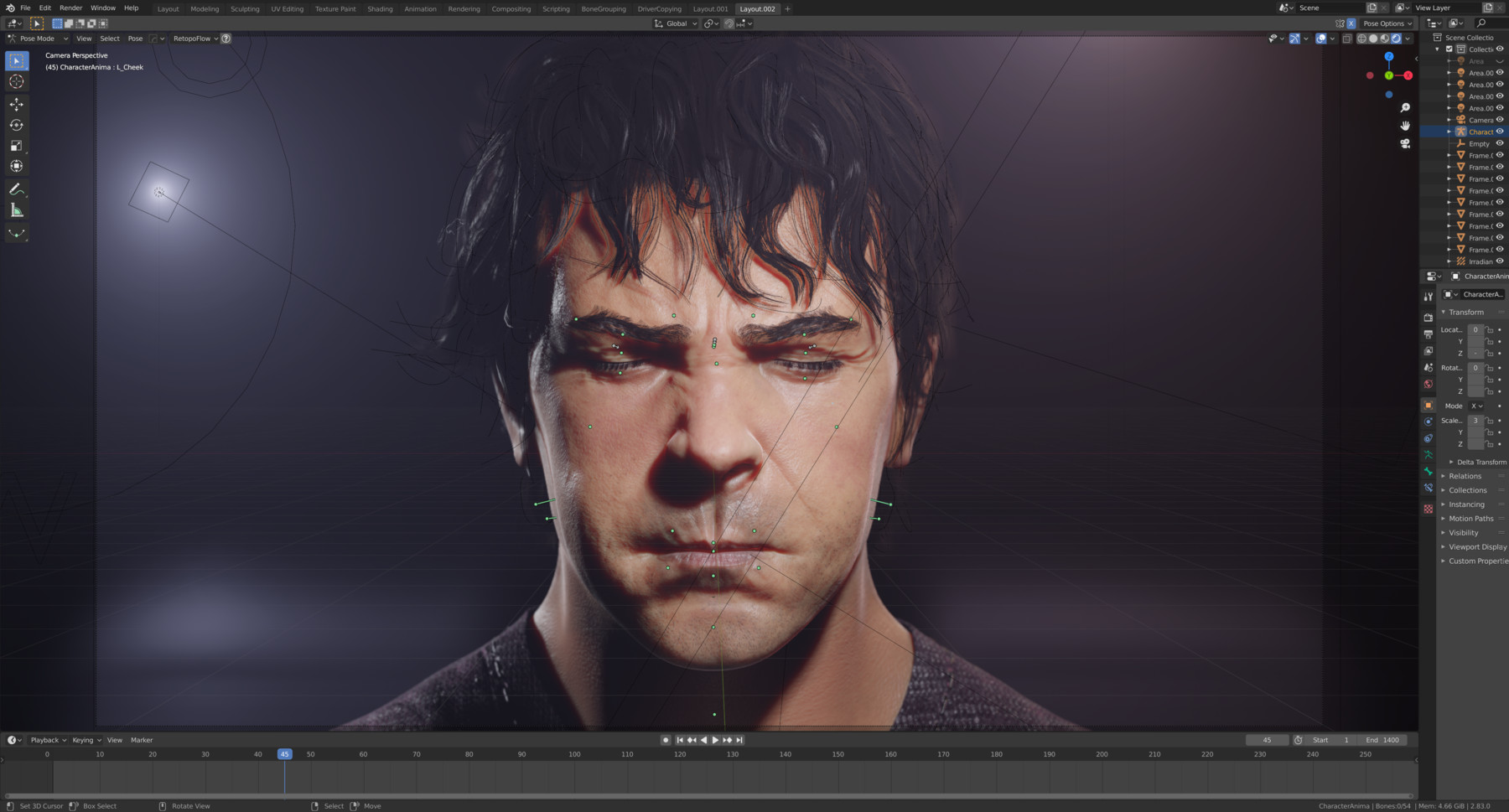
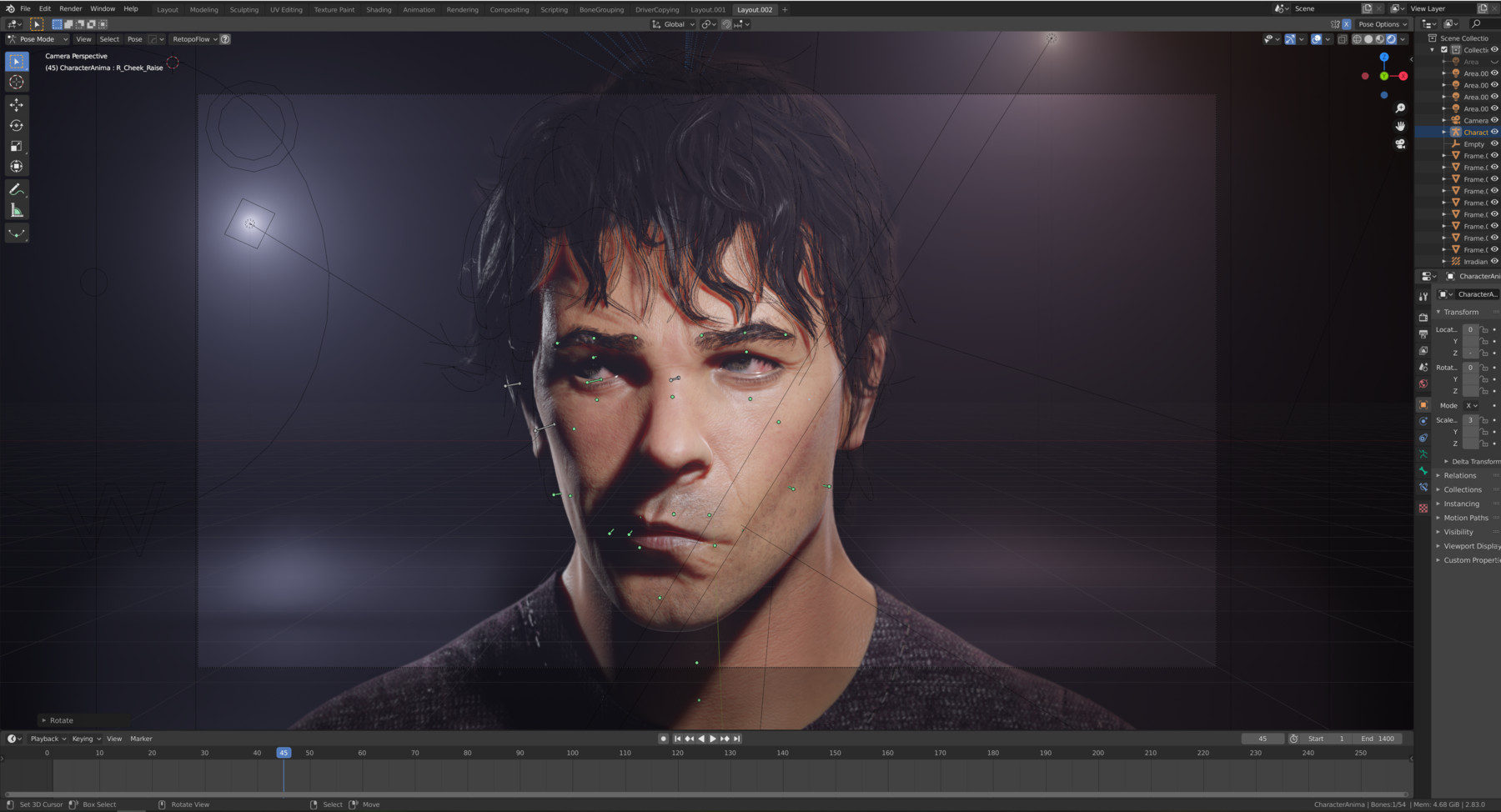
Hello!
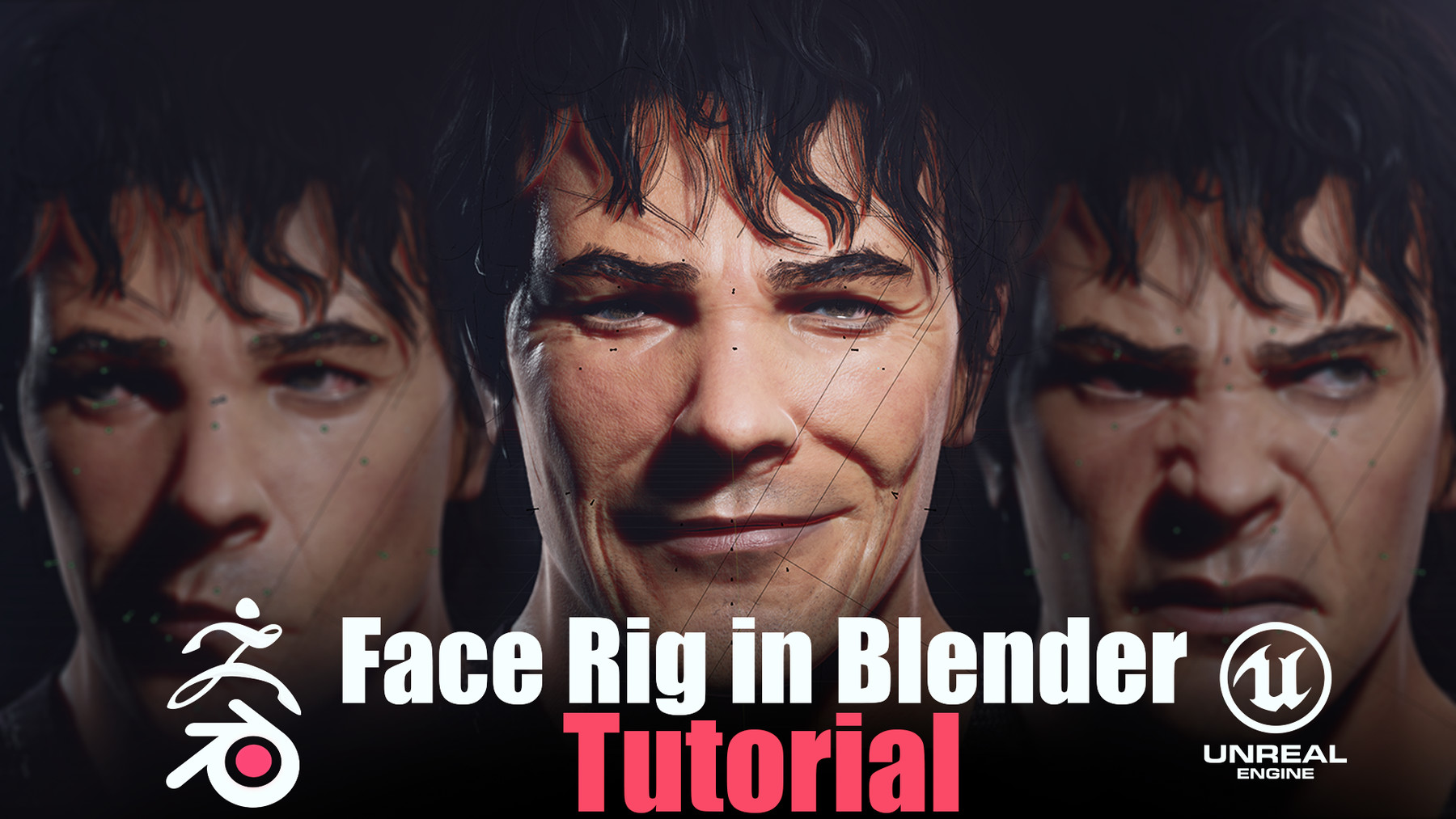
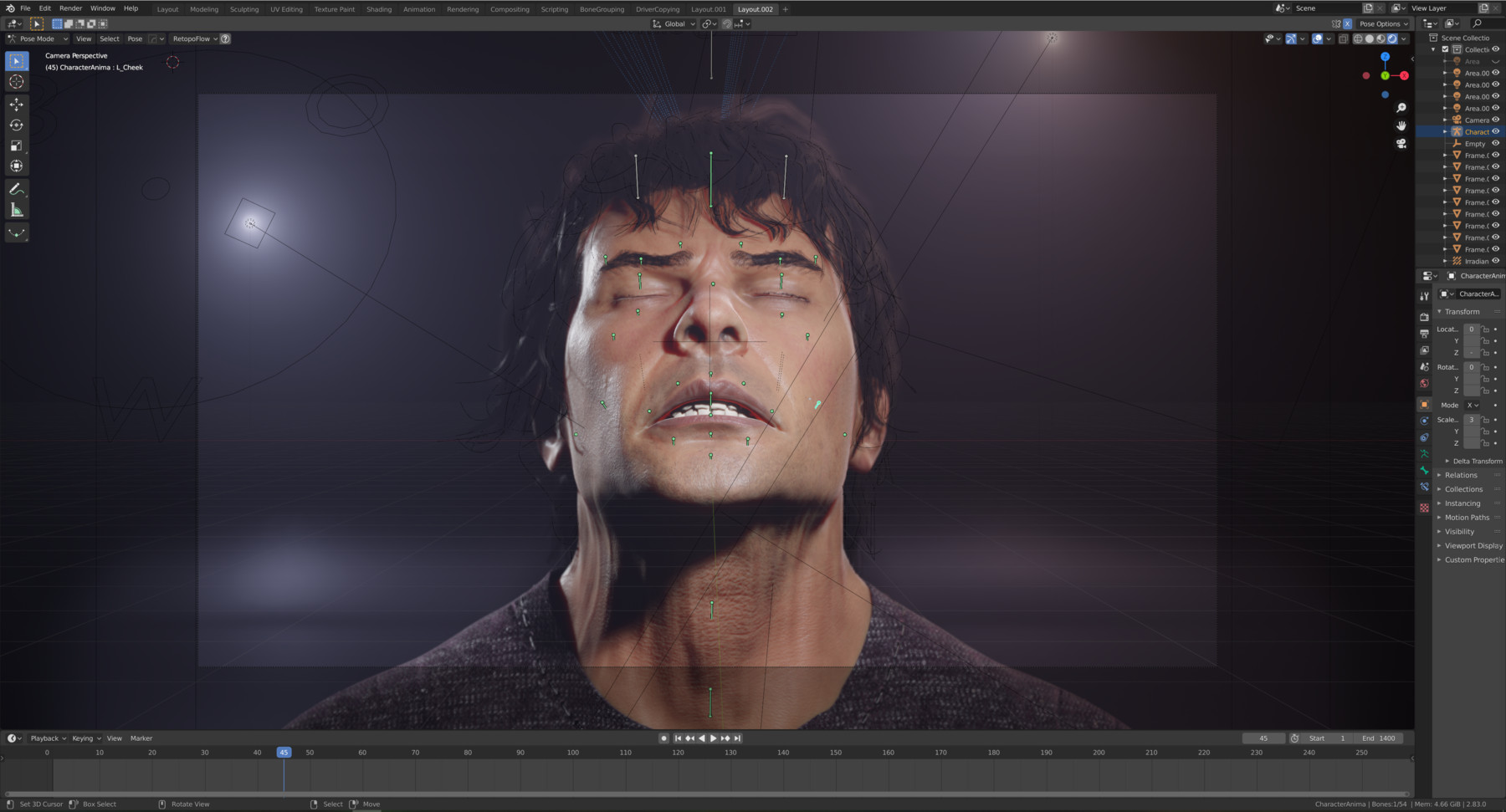
In this course, I'll present to you my workflow of creating realistic Face Rig based on shape keys.
In the begging, after a small introduction to Face Action Coding system and some advice on organizing the work, I will walk you through the process of sculpting necessary expressions. I'll show you how to utilize references, and give some tips and tricks on forming the face, managing stretches and sculpting important wrinkles. In the sculpting process I will be using ZBRUSH, but after some minor workflow adjustments you can without a problem do it in BLENDER (I show how to sculpt realistic face just in Blender in my "Realistic Face Creation in Blender" course.
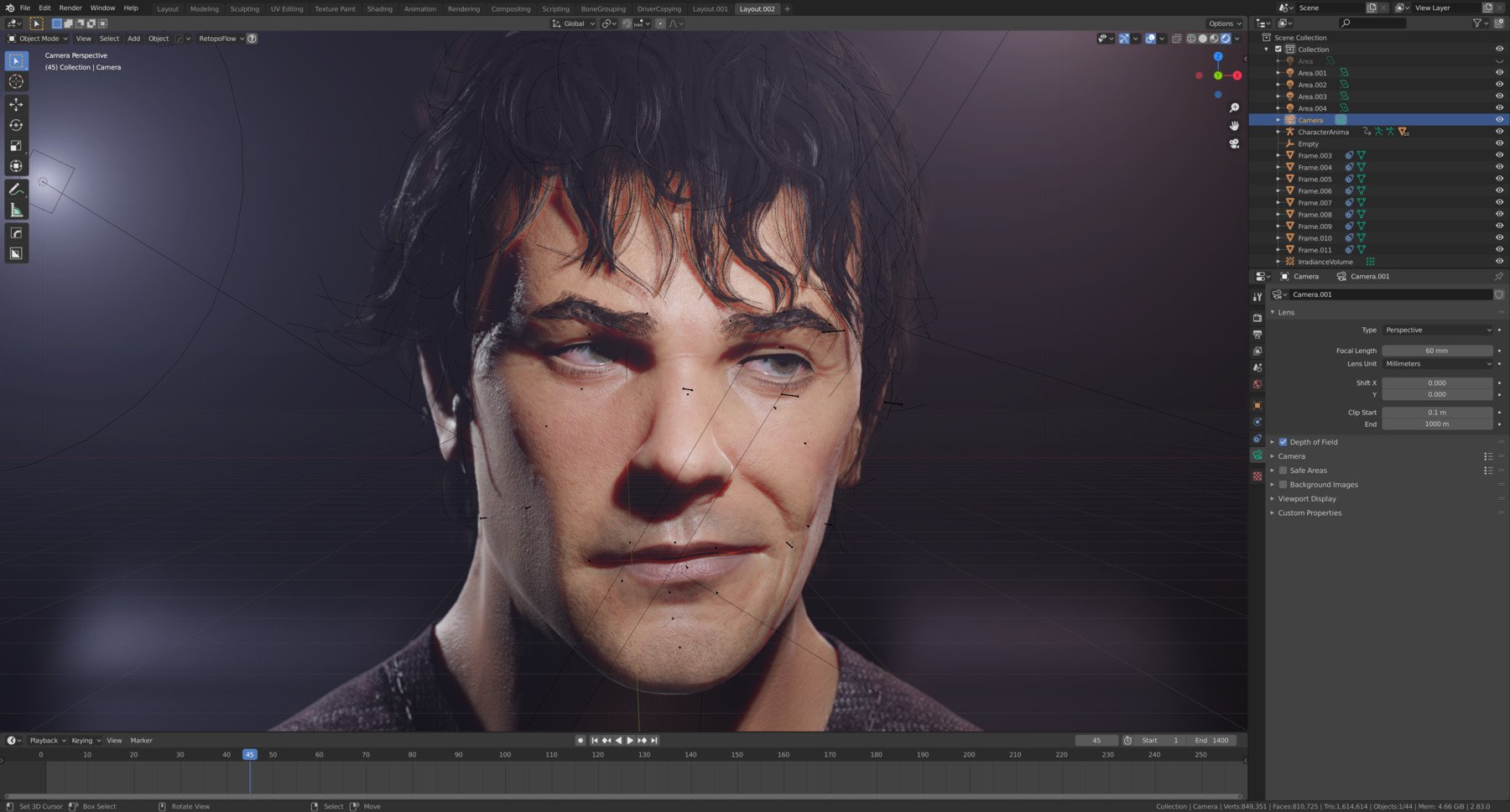
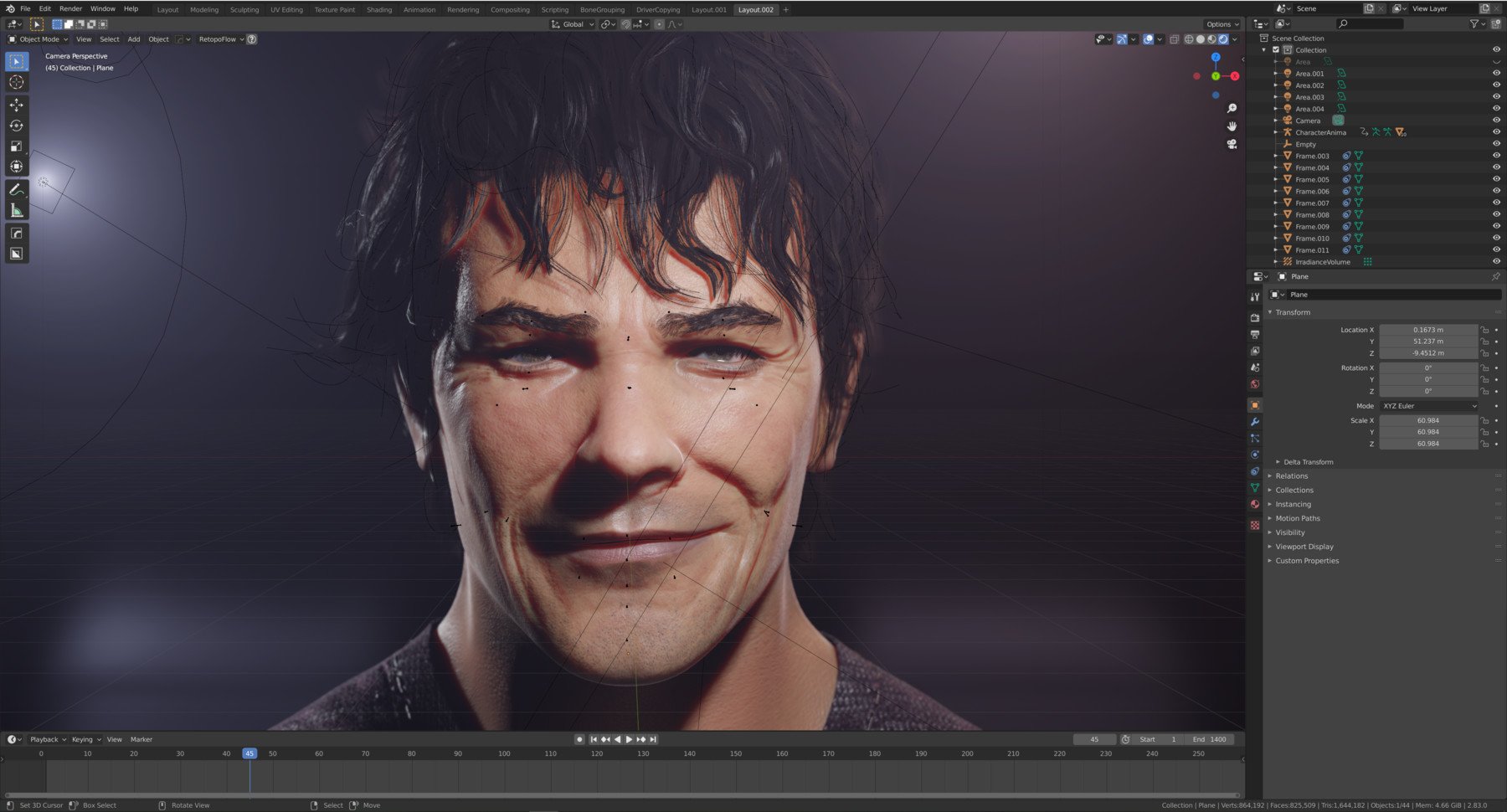
Afterward, we will take all of the expressions sculpted in Zbrush and implement them to the face rig. Face deformations will be made by shape keys driven by the bones. Moreover, we will use high detail information made in Zbrush to create Dynamic Wrinkle System in Eevee (it works in Cycles as well).
Then I'll show you how to make your animation work way more convenient, by creating puppeteering systems for a more intuitive animating process.
In the end, I'll present to you, how to prepare your rig for the export to Unreal Engine. And how to set up the Dynamic Wrinkle system in it as well.
I hope you'll find it useful and I wish you a good day!
What's inside?:
Video Tutorials:
01_Introduction- Small introduction, Facial Action Coding system, and tips on organizing work.
02-08_ShapeKeysSculpting- In this series of 7 videos, we will go through the process of sculpting all the necessary shape keys/blend shapes/morph targets for the rig.
09_BasicBoneRigging- Introduction to basic bone rigging.
10-11_ImportingShapeKeys- Two videos dedicated to importing shape keys and implementing them to your rig (there's a lot of them :D).
12_CorrectioveShapeKeys- I'll show you how to sculpt corrective shape keys, to fix some of the deformations made by the bones.
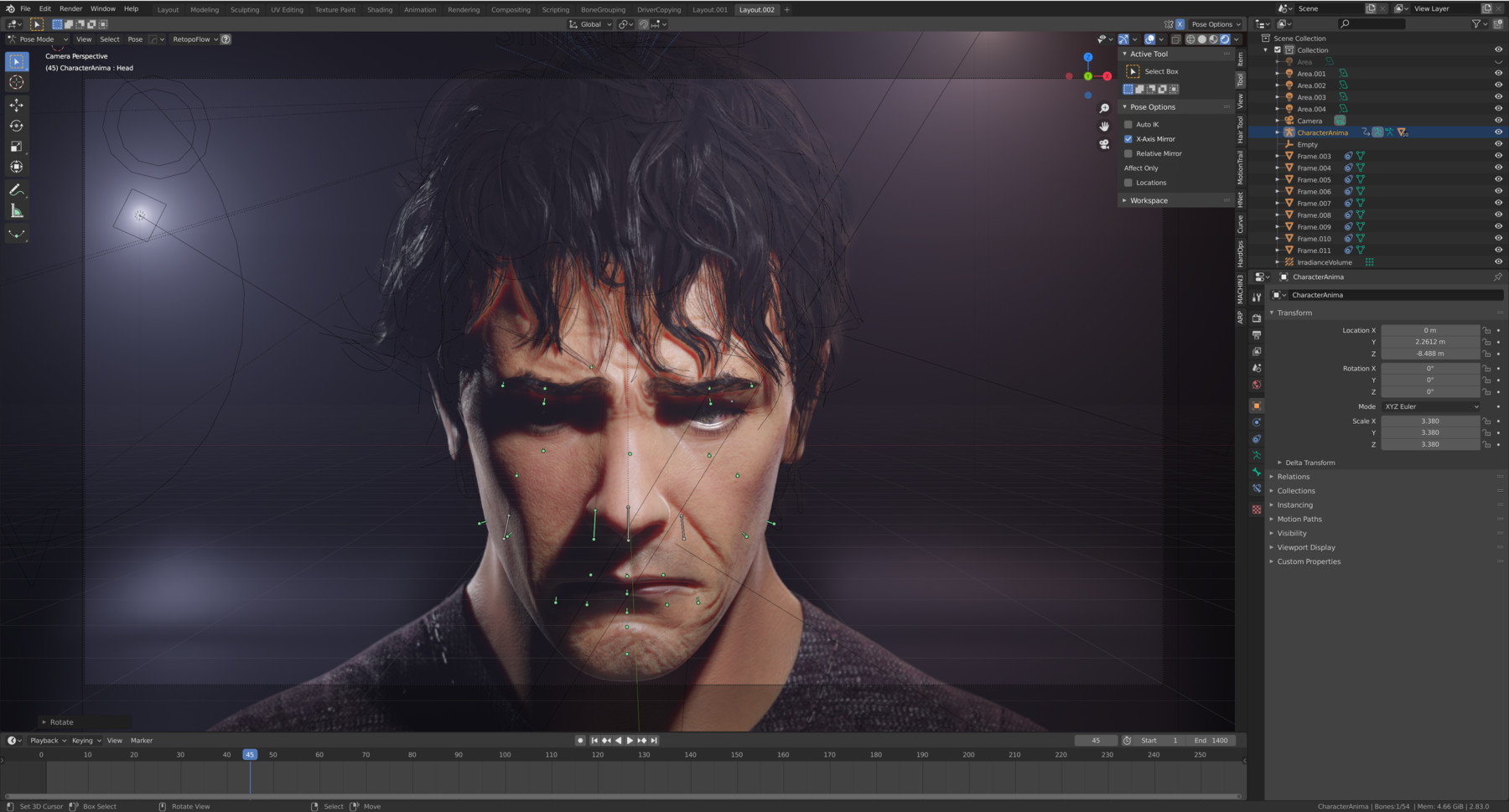
13_BonesAndDriversSetup- Here we will make shape keys to be driven by the bones.
14_WrinkleMapPreparation- We will prepare all the necessary wrinkle maps in photoshop.
15_VisualControlersSetup- I'll show you how to create handy visual controllers, helpful in controlling things like letter shape keys or full expressions.
16_EeveeDynamicWrinkleSystem- In this video, I'll show you how to create the dynamic wrinkle system in Blender.
17_EyesShapeKeysAndFacialHair- I'll teach you some tips that will make eyes animation look way more natural, and how to manage facial hair in the rig.
18_FaceRigPuppeteeringSystem- Here we will create handy puppeteering systems that will make your animation work way more convenient.
19_FaceRigPreparation- I'll explain to you how to prepare your rig to export to Unreal Engine in order to make it painless and stress-free.
20_UnrealDynamicWrinkleSystem- In the last video we will create the same dynamic wrinkle system but in Unreal Engine.
Files:
- Blend file including the final scene with the mesh, rig, dynamic wrinkle system, light setup.
- Textures: All the maps for Dynamic Wrinkle system, hair textures, shirt textures, mouth textures. (There are no face textures)
- ZTool file with all sculpted expressions done in videos 02-08.
- Transcripts for the videos.
Requirements:
This tutorial's not meant for absolute beginners. I do not explain every particular sculpting tool I'm using, etc. If you would want to know to sculpt the realistic face in Blender I can recommend my other tutorial covering this topic.
Thanks for your attention!
Konrad.