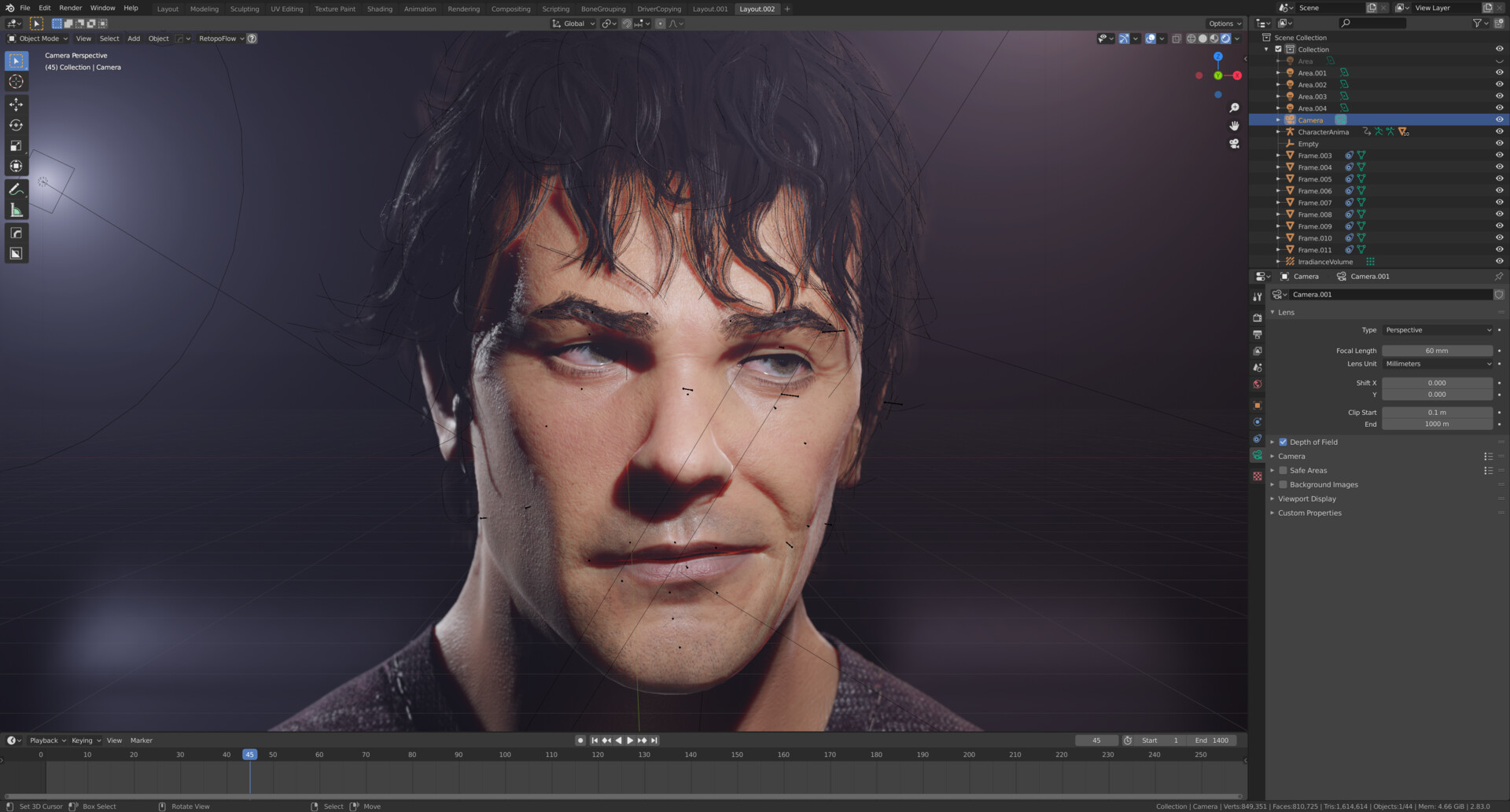
|TUTORIAL| Face Rig in Blender
Available on:
Artstation:
https://rookie3pl.artstation.com/store
Gumroad:
https://gumroad.com/l/sEeuD
BlenderMarket:
https://blendermarket.com/products/tutorial-face-rig-in-blender
FlippedNormals:
https://flippednormals.com/downloads/face-rigging-in-blender-tutorial/ref/Rookie3/
CubeBrush:
http://cbr.sh/ii8t7j
In this course, I'll present to you my way of creating a realistic face rig in Blender. The rig is based on shape keys that are driven by the bones.
I'll start by showing you how to sculpt particular expressions and shape keys in Zbrush, though you can do it in Blender, if you wish so. I will show you some tips and tricks on forming the face, managing stretches and sculpting important wrinkles.
Afterward, we will move to the Blender, do some basic bone rigging, and implement all of the previously sculpted expressions to our rig. I'll show you how to prepare necessary maps for the Dynamic Wrinkles system, which will add tones of realism to the rig.
Then, of course, I'll show you how to create the entire bone driven shape keys system for the rig. Additionally, I'll show you how to make your animating work more convenient, by creating visual controllers and puppeteering systems. In the end, we will prepare our rig to export to the Unreal Engine, and create the dynamic wrinkle system in it as well.